The new way to make eye catching videos In FCP

The new way to make eye catching videos In FCP
The fastest way to create videos from text. Simply import your audio or video, and let our AI do the rest.
Drag and drop your audio or video file to get started. Select your language and transcription model for optimal speed and accuracy.
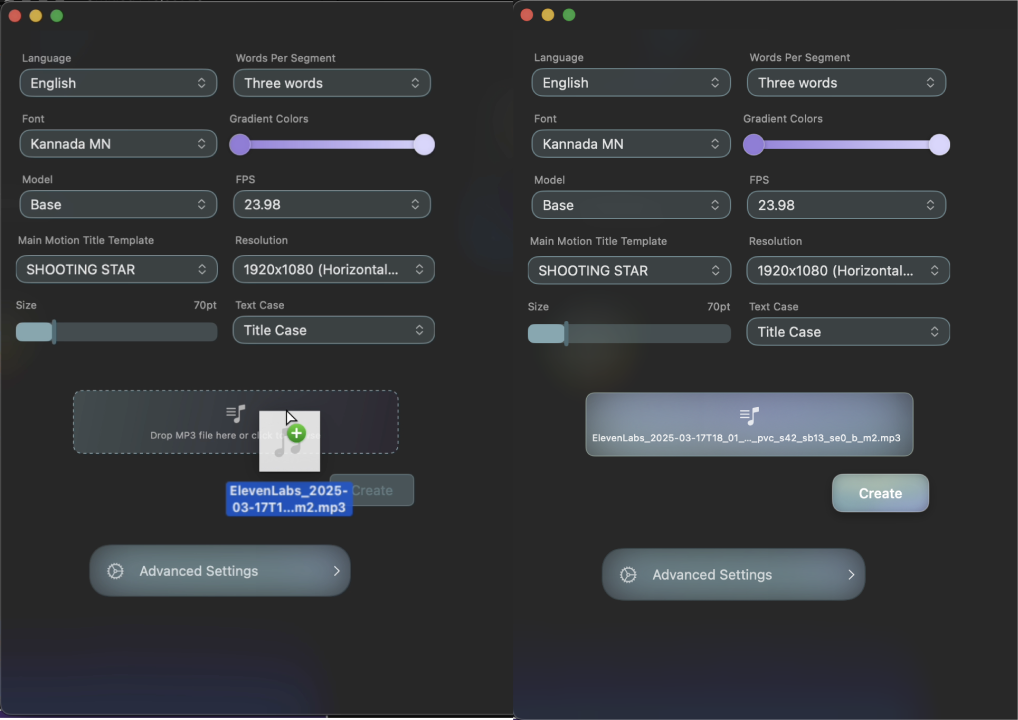
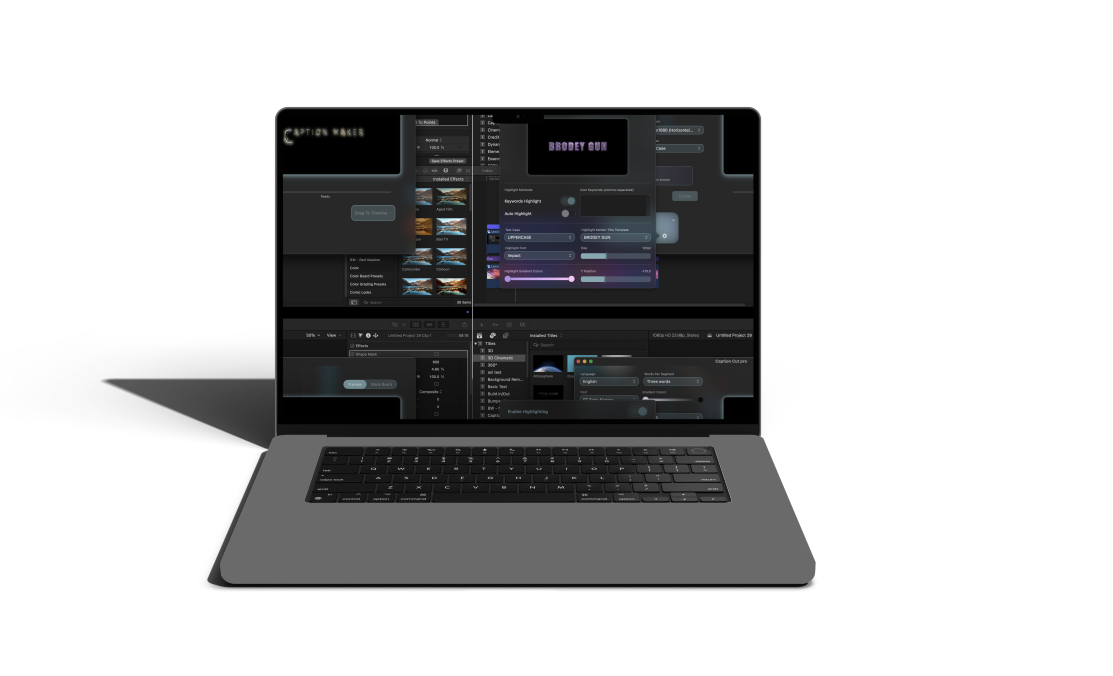
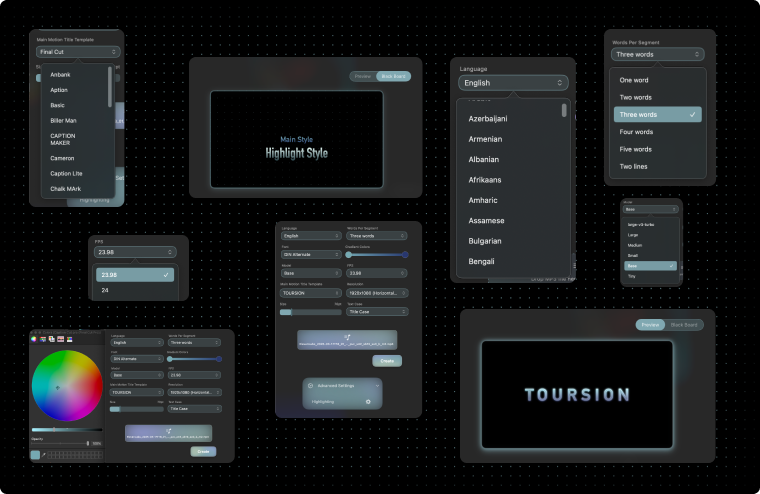
Browse our template library and select a style that fits your content. Customize fonts, colors, gradients, and even add 3D materials to make your video stand out.
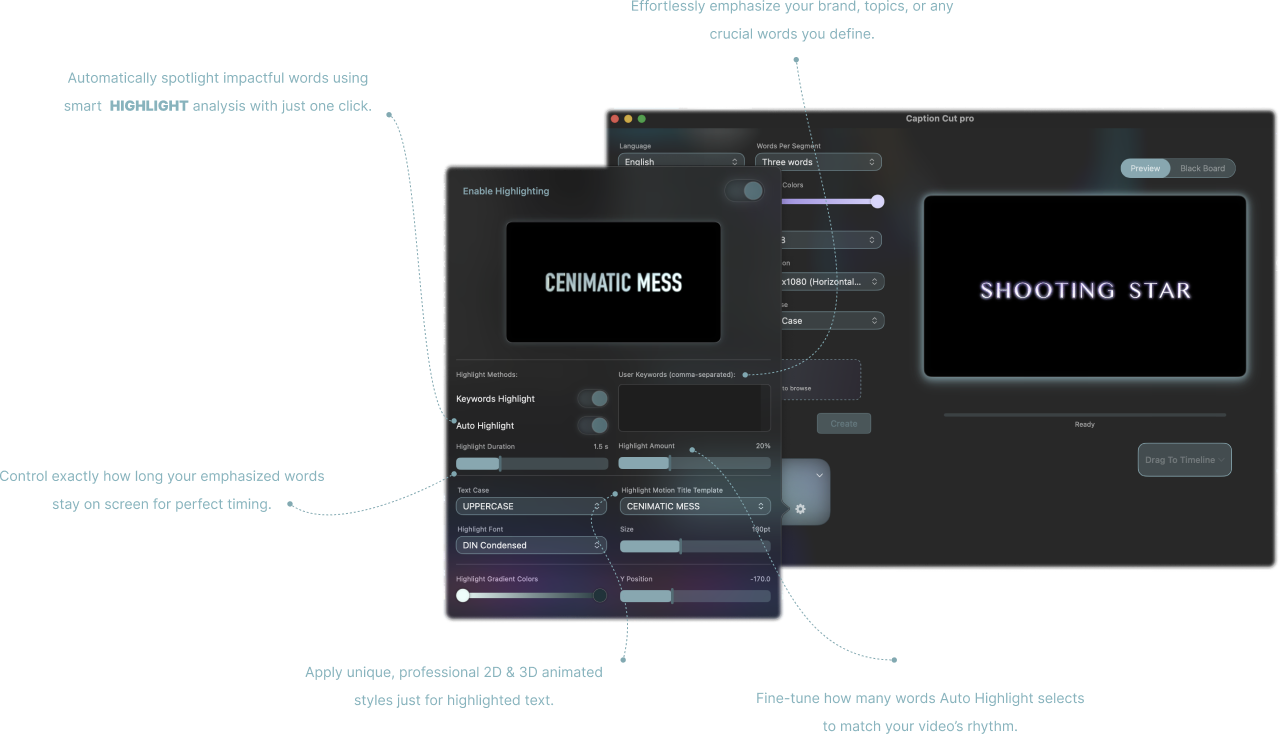
Emphasize key moments with keyword and sentiment highlighting. Easily identify and adjust the visual emphasis on specific words or phrases.
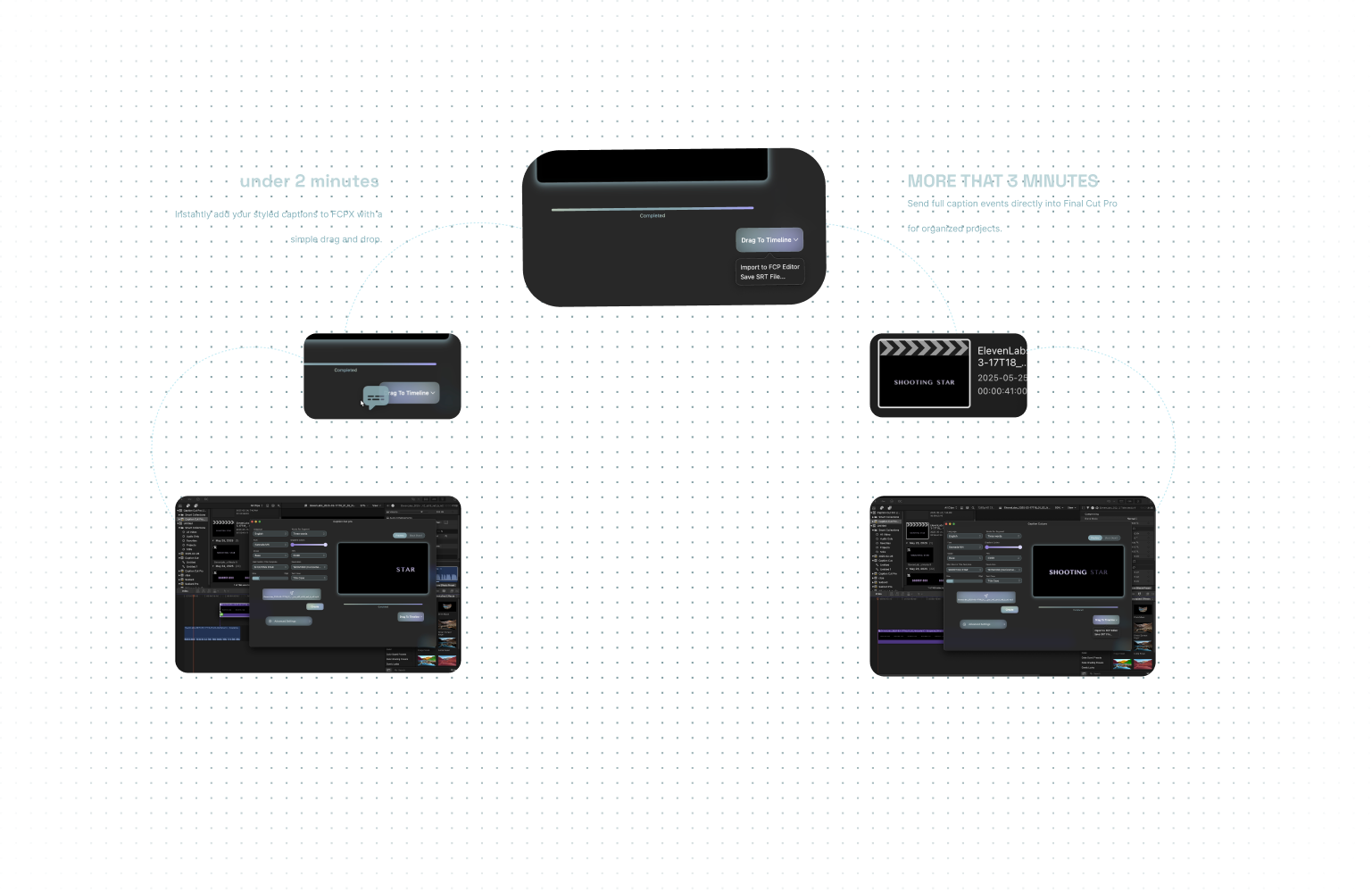
Export your video with a simple drag and drop. For advanced users, we offer options to import directly into FCP Editor (for projects and events) or save as an SRT file.